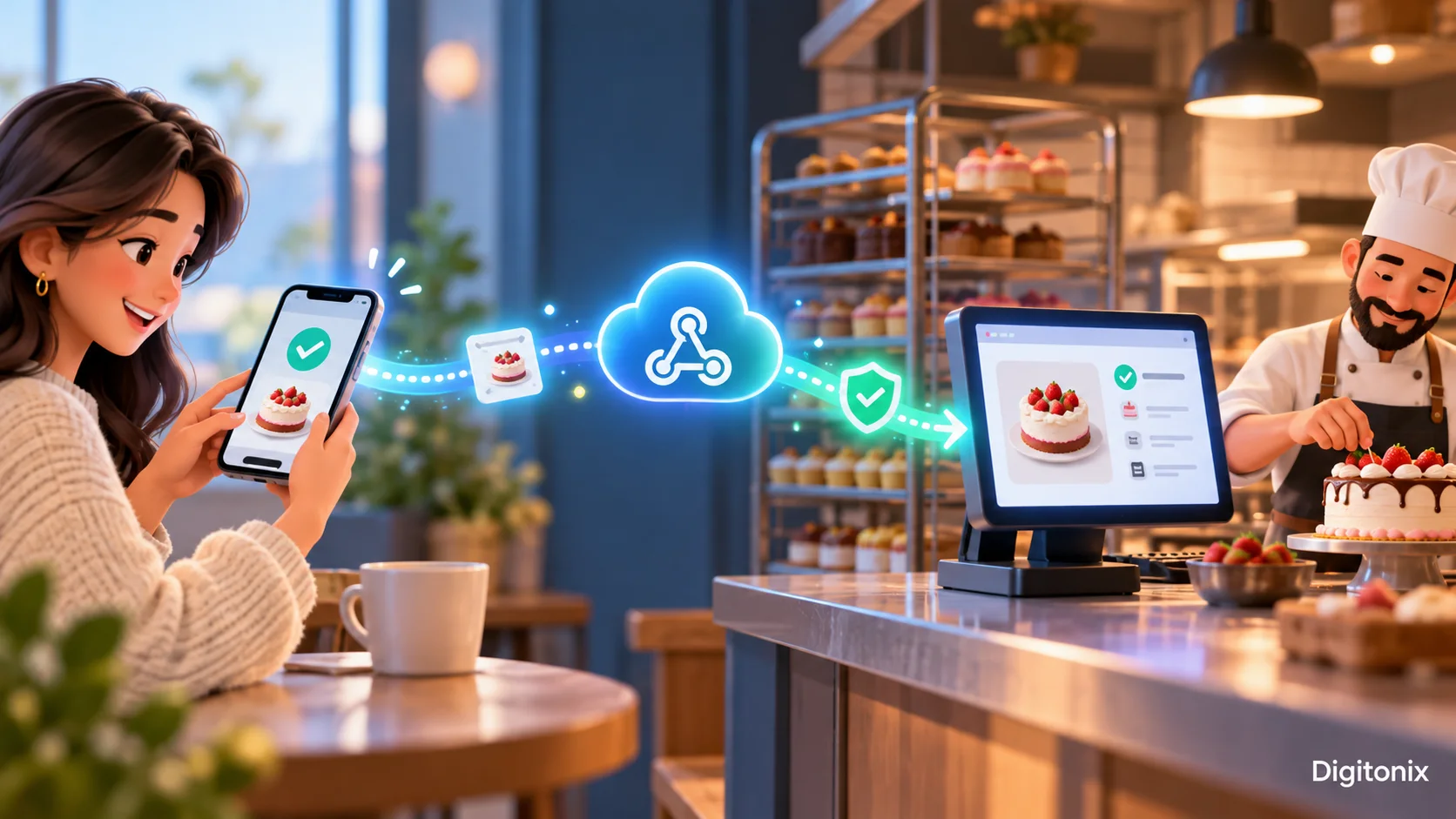
Webhooks Explained: Let Business Systems Talk at the Right Moment
A customer buys a cake online. The payment system registers the transaction, but the order board of the bakery says “payment pending.” A staff member calls the customer to check whether the payment went through. That slight delay is the reason why businesses integrate their systems. A webhook allows the bakery to receive the information about the transaction soon after the event. The order board gets updated without someone copying it by hand.
This process seems straightforward. The difficult part is to decide on actions in case of delayed messages, duplicate messages, or no messages at all. This guide uses an example of an order from the bakery. You don’t have to be a programmer to make decisions. All you need is to understand who is in charge of the order and what the customer sees when the systems disagree.
What is a webhook in plain English?
A webhook can be considered a doorbell for the communication between two software systems. One system detects an event, for instance, "payment completed." It sends a small message to the address of another system. The receiving system verifies the message and triggers the next action. It can be marking the order as paid, sending an email to the bakery, or displaying the confirmation page to the customer.
It is important that the term "event" is used. A webhook is triggered by an event, not by constant polling whether there is an event by the bakery. The message contains information about the event name, order ID, timestamp, and others. The receiver should know what information it can trust. A payment notice is useful only if its order number matches a real order and the money belongs to that order.
For the bakery, the sender of the webhook is a payment service provider, while the receiver is an order system. The webhook address is the entry point of the receiver into the Internet. The customer does not need to know this entry point.
How is this different from an ordinary API request?
An API request is normally a query that one system sends to another: "What is the current state of order number 204?" A webhook changes the sequence. The payment provider tells the baker, "The status of order 204 has changed," without the baker having to send an inquiry. They can complement each other. Once the webhook comes in, the baker may make an API call to retrieve the most recent data before altering a high-value order.
Imagine a child waiting for a school bus to arrive. Constantly calling the driver to see if the bus is on time is quite annoying. A notification about the bus being at the end of the street is much more convenient. However, the family will still use the bus app to confirm if the notification seems suspicious.
Don’t assume that “instant” means “guaranteed right now.” A message goes across the internet and waits until the server becomes available. The customer facing page should have a clear explanation of the pending status. In case the payment confirmation process takes a little bit of time, display “We are confirming your payment” instead of a blank screen or a wrong error message.
Pick one business event before building anything
Some teams try to connect every service at once. That can create a flood of messages with no clear owner. Choose one event linked to a problem the business has today. In case of the bakery, “payment completed” is a useful first choice since the paid orders need to get to the kitchen. “Customer opened a marketing email” is less important at this stage.
Write down the event on a piece of paper and follow its further course. Who sends it? Which order receives it? Whom does it affect when it fails? What should the customer observe? What is the safe outcome if the bakery receives the message twice? Ask those employees who work on cakes to look through the proposal. They might observe that the order cannot be processed without checking the delivery date.
Select a simple metric. For instance, count the number of paid orders that require manual status correction after fifteen minutes. Write down the current number before making changes. Compare it with the new one after the implementation of the new dashboard. Otherwise, a faster dashboard will have little effect if the kitchen continues to miss orders.
Design the receiving doorway
The receiver needs to have an address where the sender can reach it. It should be a secure connection, which means that it should be using HTTPS protocol. The address should only accept the events that were requested by the bakery. For example, a message regarding saved payment card must not make an order paid.
First, on receiving the message, the receiver should examine its type and structure. Does it include an order number? Is it an event the bakery asked to receive? Does the order exist? If a check fails, record a short error and leave the order unchanged. Inform the sender of the proper reaction, so that the delivery can be analyzed further. Do not include any client’s card number and home address in your log file.
The doorway should reply right away. Updating the stock, generating a label, sending an email, contacting other services takes some time. Place these processes in a queue once the message has been safely received. This way, the sender receives an instant answer while the system of a bakery performs everything else in the correct order. If the queue freezes, the alert should be generated long before the order stack reaches one day.
Check that the sender is genuine
The destination internet address may be subjected to unauthorized requests. A stranger may attempt to send a fake “paid” message. This is why the receiver should make sure the source of the webhook is verified before proceeding with it. Many providers have their messages signed using a secret key known to the receiver only. The receiver compares the signature with the message. An altered or unsigned message should not process the order.
Protect the secret key in places outside the webpage and outside any public code. Refresh the secret if it is compromised. Use HTTPS for the address of the webhook. Each environment – for example, testing and production – should have separate settings to prevent a test payment changing the actual order. The way of signing the message should be dictated by the provider.
The message can be real but out-of-date. The intercepted request can be sent back again by a party that has no right to send such a request. It is necessary to verify the timestamp or delivery identifier from the provider where available and to keep the log of processed messages. These checks help the bakery stop a replay while accepting a new, valid message.
Expect retries and avoid duplicate work
Consider the situation in which the payment service delivers the “paid” event. The bakery receives the event and processes it, but the delivery answer got lost. The payment service decides that delivery failed and starts to deliver the event again. Without a duplicate check, the bakery could print two kitchen tickets for one customer. The second delivery is nothing surprising, and the recipient must deal with it.
Store the event or the delivery identifier along with the result of their processing. In case of delivering the same event again, return the success answer to the delivery system without executing business operations again. As for an order, implement “mark paid” as a repeatable action. One order must correspond to only one kitchen task unless an employee initiates additional tasks.
And prepare to receive messages out of order. A refund may be notified prior to a delayed payment notification. Do not just make the last message that was received win automatically. Compare the meaning and timing of events with the current state of the payment provider. Define rules for each state change and highlight any strange contradictions directly to a person instead of silently ignoring them.
Plan for messages that never arrive
A well-designed webhook may fail. The server may go offline; the secret may be changed on one side but not on the other; the provider may give up after some time period. The bakery therefore should have a way to discover the missing notifications. At some scheduled interval, compare recent payments to recent orders. If there is a paid order which still is "waiting," create a ticket for investigation.
Keep sufficient delivery data for responding to a support query: event ID, order ID, timestamp, status, and brief reason for the error. Make logs secure by removing card numbers and any extraneous personal data. Provide a means for an authorized person to re-execute or repair a failed event once the problem has been resolved. Re-execution must be performed under the same duplicate protection mechanism as a normal delivery.
Determine who gets an alert. An error count that nobody looks at is mere decoration. A small bakery may send a brief daily exception list to the order manager and an urgent alert if many paid orders stop processing. The alert should explain what happened and what to do about it, not just show a red number.
Test with awkward real-world cases
Demo where one clean message comes once is just a start. Send the same message twice. Delay the message. Send the message after order cancellation. Change the order number to some fake number. Disable the receiver for a short period and check if the sender tries to resend the message. Ask the team what will happen to the customer page in each case.
Perform the full flow using a small-value test payment from the provider’s testing environment. Check that the order reaches the correct state, that there is only one kitchen ticket created, and that the customer receives one message about order. Test the refund and the payment failure. “Payment failed” message should never trigger paid order handling since two messages came in quick succession.
Maintain a small table of scenarios, expected outcomes, and actual outcomes. The table is understandable for a business owner as well as for a developer. In case of failure of any scenario, fix the rule and test it again. The table will come in handy in case of change of event format by the payment provider or change of the order management system by the bakery.
When should you use something else?
There are situations where you don’t need a webhook. One situation is if both sides of your solution are sharing the same database and there is one obvious transaction between them. Another situation where webhooks wouldn’t serve your interests well is if a customer needs an immediate answer. There will probably be a need for a direct API request first, followed by webhook confirmation of final status.
Some tasks can wait till morning. A daily report may be easier to prepare as one scheduled job than through hundreds of separate event messages. Find out what your organization needs – a timely notification, a solid record, or an instant reply. Build the easiest way of communication that will serve your purpose well. Use a webhook when it solves a real handoff problem without adding needless complexity.
How Digitonix can help
Digitonix is able to track the order process, choose the first event, create a secure receiver, test failures and retries, and design an exception screen which can be used by employees. The right kickoff meeting would consist of the employee dealing with orders, the one answering customer questions, and the group managing the interconnected services. The issues of this group will define the integration.
For a customer-facing order process, see Digitonix web development and mobile app development. For queues, monitoring, and deployment, explore cloud and DevOps. Moving private data between systems also calls for cyber security. The project could use Node.js, Python, or AWS, depending on the software already in place.
Questions people ask about webhooks
Is a webhook the same as an API?
These concepts are connected but usually have different beginnings. API request gets information or takes action. Webhook is sent after some event happens. Some projects could use both concepts: webhook will notify about the payment, while the API request will get the information about the latest payment record.
Will each event arrive only once?
Don't count on it. There will be a retry by the sender in case of a missed reply from the recipient. Remember the event ID and ensure the business action happens safely in case the message comes again.
Can customers see the webhook address?
Customers do not need the address. The sender must reach it, and the receiver must check the sender through the provider’s verification method. Use HTTPS too. Hiding the address by itself does not protect an order.
What if the webhook arrives late?
Show the customer a clear pending state, then update it when the final result arrives. Define the deadline for the analysis of orders still in the pending state. Don't say to users that the order is declined only because of a delayed delivery of the webhook.
How do we know whether our integration works?
Measure the result: fewer paid orders stuck in the wrong state, fewer manual corrections, and fewer customer calls about missing confirmations. Combine with the statistics about errors and delays in delivery.
For more information about implementation specifics, refer to the documentation of the sender’s webhook. For instance, GitHub’s webhook guidelines discuss signature validation, quick replies, choosing the right event type, and redelivery. There are other rules for payment service providers.
Written by admin
Specializing in technology, our experts bring years of industry experience to help you navigate complex digital challenges.
View all postsOn This Page

Ready to Build Something Great?
Partner with Digitonix, the leading IT company in Jaipur, for world-class web development, mobile apps, and digital marketing solutions. Join 500+ businesses achieving measurable growth.