Multilingual Websites: A Practical Plan for a Growing Business
The user comes to a website of a furniture store in Jaipur. She uses Hindi at home but sees pricing and terms of delivery only in English. She knows about sizes of chairs, but she does not know what “assembly included” means. She goes away from the site without ordering. The company may consider that it requires more advertising. At first, it probably needs a better conversation with the customer.
A multilingual website provides certain key pages in more than one language. It helps users to perceive the information about products, forms, pricing, support. It also provides work to be done: translation, design, testing, updating any time when the initial page is changed. The first action to be done is to choose one target audience and one path in the website. Not all sentences should be translated at once.
Choose the audience before the language
"Add Hindi" is a good beginning, but it doesn’t say what needs to be developed. Find out where the customer is located, in which language he will make the purchase decision, and on which web pages. The local store will require Hindi versions of product and delivery pages. The software company will require language versions of service pages and contact form for the newly acquired territory. Look at customer support queries, search terms, and sales calls before preparing a list of languages.
Separate country and language. One country can have many languages. Customers speaking one language may expect different pricing, sizing, legislation, or payment methods in different countries. A French page for customers in France requires some specific things to be mentioned differently from the French page for customers in Canada. Decide whether you want translation or localization or both.
Choose one measurable goal. For example, for the furniture shop, the number of visitors who have visited the delivery page and finished the checkout process can be chosen. For the service company, the completed contact forms on the new language pages can be measured. Measure the starting point so that it will be easier to see whether the introduction of the new pages improved something.
Start with a small set of pages
Let's look at an example when a customer is passing through the shop. First, she visits the home page, then a chair page, then she checks the delivery page, adds a product to the basket, pays, and then sees the confirmation page. In case the home page was translated only, the flow stops with the next click. Translate the entire path that is needed for performing one action.
Content comes first. Be sure that you have included all essential elements: product names, key features, pricing policy, delivery zones, return information, contact info, form labels. And do not neglect error messages – a payment form showing an ambiguous English error makes a Hindi version of your checkout seem untrustworthy. Go through all texts of buttons, images, PDF files, emails, chat questions. These tiny elements are easy to overlook because they lie outside of your page editor.
Create a list of pages. Note the page owner, source language, target language, translator, reviewer, review date for each page. Identify all those pages which contain frequently changing information. The discount page will be updated much more frequently than "About us" page. Your list is more helpful than a deadline of the whole website translation.
Translate the meaning, not just the words
The tool will be able to produce the first version quickly; however, the client should not be expected to figure out what the company wants to say. The word “free installation” could imply assembly by an employee at the client’s place or provide instructions for doing it. Have an insider knowledgeable about the product and speaking the target language read the product page the way customers do. This person will look into the naming, claims, dimensions, and the tone used.
Prepare a small glossary before the task gets more complicated. Determine how to render the terminology used for the product, brand names, sizes, delivery stages, and service designations. If the same word is translated in different ways on the product page and during checkout, the client might think something changed about the offer.
One must avoid copying a phrase that sounds quite natural in one particular culture but looks unnatural in another one. A catchy slogan may be interpreted incorrectly or even sound offensive after a translation word for word. A local reviewer will provide a simple suggestion. Legal, medical, or financial statements must undergo an examination by the relevant expert.
Make language switching easy
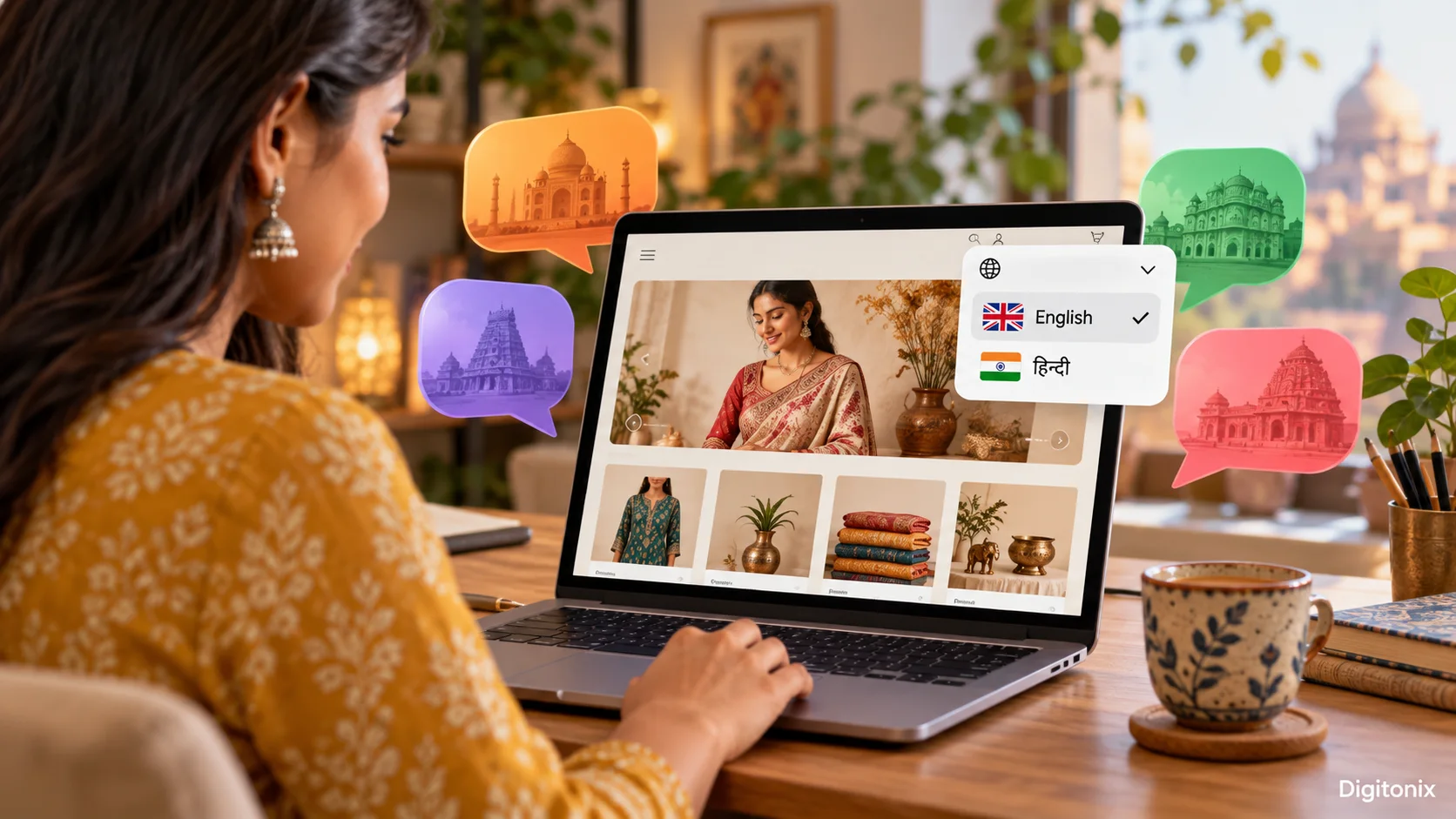
Make sure that the user is able to change the language easily using a language selector. Place the languages in the place where they will be easily recognised; e.g. “English” and “हिन्दी.” A single flag will be too poor a label since the name of a flag designates a nation, not a language.
If someone updates the language on the chair page, redirect them to the corresponding chair page. Never redirect visitors to the homepage and make them search again. Inform your visitors if there is no translation available for that particular page; inform them about other languages and give them an effective way to access them. Let your visitors follow their preferred language while they browse, but allow them to update it anytime.
Don’t force visitors into using one language based on their location. Your visitors could be using shared devices and might be travellers who will prefer to visit your site in another language. Forced redirecting might also restrict the access of your website pages to search crawlers. Suggestion might be helpful, but providing options always helps. Make sure that the back button and the shared links are functional after the language change.
Give each language version a clear address
The search engines and visitors benefit from having separate URLs for each language version. For example, the shop might have URLs such as `/en/chairs/wooden-chair` and `/hi/chairs/wooden-chair`. The visitors can bookmark or share specific language versions of your website. The search crawlers can find the relevant version of the website
Separate URLs and `hreflang` data are suggested for different language versions by Google. `hreflang` tells Google which page is meant for which language or region. It is no way a trick making rankings by itself. It just helps people to get to the page that suits them better provided everything is set up correctly and the content is clear.
Set up a reasonable pattern and keep it unchanged. The website may use folders, subdomains or even country domains. However, making changes and using new structure all the time makes redirects and dead links occur. Make a map from the original page to its translation. The pages that do not have any translations should not pretend to have them. Language versions must be included in the sitemap and be available for anyone without registration.
Write for readers in each language
The process of keyword selection must begin with an understanding of how local customers phrase their queries. An English keyword directly translated into the target language might not sound like a natural query. Ask a native speaking person to provide the list of terms people will use to talk about your product, service, and problem. Based on that, select page titles and headings that respond to those queries.
Each version of the web page should have relevant content presented in that language. Having a translated menu around an English product description is not the same as having a translated product page. Google says it analyzes the visible content of the page in order to determine its language. It is yet another reason to translate the key answer, and not just the navigation. If possible, link to related pages in the same language.
Create clear titles and descriptions for all versions of the page. The search result should give enough information to understand what the page is offering to the reader before they click on it. The title, page heading, product description and contact details should be consistent. If a phrase has two meanings in the local language, describe the product.
Check the design with real text
The translated text could be either shorter or longer than the source text. The button which fits “Buy now” may not suit the translated text. The narrow mobile navigation bar may break down into multiple lines. Some languages require additional font support and extra space between the letters. Test every important page of the website both on mobile and desktop devices.
Forms should be carefully checked. Is it possible for a user to enter his/her name and address correctly? Are all necessary characters accepted by the form? Are the date, time, currency, and other numeric data displayed properly? The translation is incomplete when the payment form does not support the correct format of the postcode or rejects a local telephone number.
Find a native speaker of the target language and ask him or her to perform some actions on the test website. Let him or her choose a chair, read the delivery rule, and try to make the purchase without any help. It is possible that some issue will be found by the user which cannot be detected by testing the code or by reviewing the translation line by line.
Plan for updates after launch
The English delivery fee update is coming on Monday. Who updates the Hindi page, and how quickly? Without a decision, the site can display two conflicting promises to two users. Include the translated pages in the regular publishing process. An update of the source page needs to generate a task for all relevant translations.
Some updates are urgent. Price, safety warning, or return policy cannot wait for weeks until they get translated. Establish a fallback message or temporary suspension of the outdated page. Note its owner and deadline. Do not silently keep the outdated information live while waiting for the perfect translation.
Review the quality after launch. Look at the broken links, pages without language partners, malfunctioning forms, and support tickets pointing at a misleading translation. The site is going to grow, so the glossary, page map, and review process need to grow along with it. It is the regular website maintenance, not a one-time translation effort.
What should a small team do first?
Choose one language and one customer task. List the pages in that task. Translate them, have a local speaker check them, and test the full path on a phone. Give each version a distinct URL and language switch, and observe customer queries and completion of tasks. Expand once the first path is working well.
Don’t assume that adding more languages means selling more. A useful five-page path in one language could accomplish more than fifty partially translated pages in five languages. The appropriate scope will depend on demand, the team’s ability to keep pages up-to-date, and the company’s ability to service those customers once contacted.
How Digitonix can help
Digitonix can help map out a customer’s journey, design the language switch, create a page structure that is searchable, and test forms in multiple languages and on different devices. The team can also help you implement a content workflow process so that changes made in one language do not get left behind in another version. Start with the audience and task, and choose the technology next.
See Digitonix web development, website design, and SEO services for the site and its content plan. A multilingual product may use Next.js, React.js, or Node.js, depending on the existing platform. The useful choice is the one your team can maintain and your customers can use.
Frequently asked questions
Do we need to translate every page at once?
Not necessarily. Start with translating the pages that help the customer perform one crucial function. Then, develop from there further, and create a list of non-translated pages, so your visitor will know when this page hasn't been translated yet.
Does `hreflang` translate a page?
No. This is just information about a page’s relation to another language version of the same page provided to search engines. People still need understandable and readable content in the chosen language. Each page should have a proper and existent URL link.
Can we use a translation tool for the first draft?
Yes, when a person who knows the language and the business reviews the outcome. Check all claims, prices, conditions for support, and any factors that might affect a decision to buy. The first version will be helpful when it turns out accurate.
Should the site change language automatically by country?
It could suggest it, but people have to be able to choose the version and stay where they want. It is impossible to say what language will be used by a certain geographic location. Redirects may limit access to other pages.
How will we know whether the new language pages helped?
We will need to evaluate task completion rate, contact forms, checkout failures, and support requests made by the targeted audience. This will be compared to the original figures. One visit will not help determine whether the client got the message.
For technical setup, see Google Search Central's guidance on multilingual websites. It covers distinct URLs, language annotations, and giving users a choice of language.
Written by admin
Specializing in web-development, our experts bring years of industry experience to help you navigate complex digital challenges.
View all postsOn This Page

Ready to Build Something Great?
Partner with Digitonix, the leading IT company in Jaipur, for world-class web development, mobile apps, and digital marketing solutions. Join 500+ businesses achieving measurable growth.