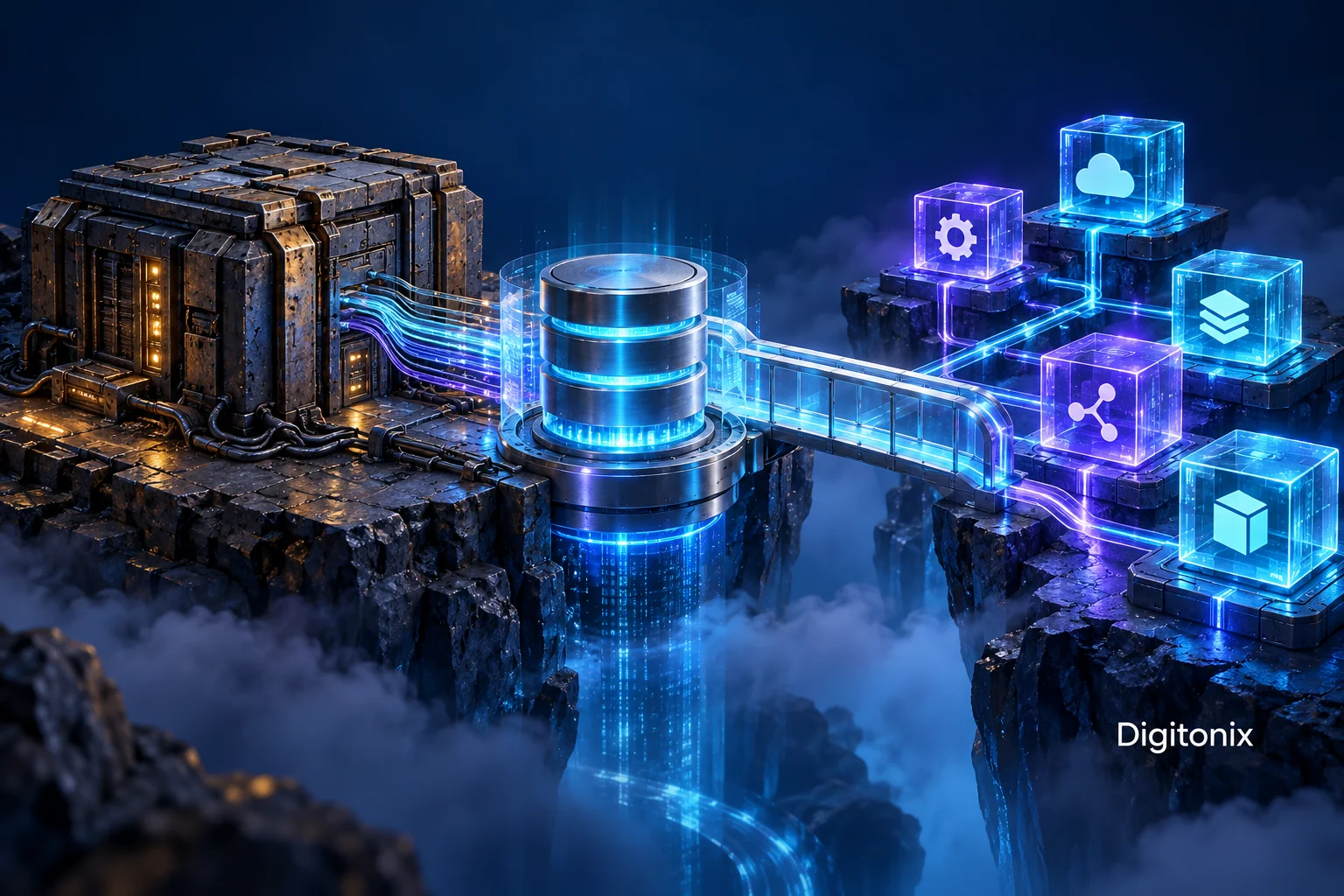
Legacy Software Modernization: Replace the Right Parts Without Losing Business Knowledge
A legacy system processes orders appropriately; however, modifying its smallest rule will take weeks. A new employee is having difficulty making sense of the screens while the individual who knows how the nightly export works plans on leaving soon. The company wants a new system, but the problem lies in identifying which parts of the system to upgrade without losing what's currently there.
Modernization of the legacy software is a business transformation as well as a technical one. The current system may contain useful rules, accidental workarounds, obsolete features, and genuine defects. Building all screens using a new framework will not inherently determine which of these factors applies to the screens built. What needs to happen is for an appropriate plan to be established.
In this guide, you will find out how to develop a plan for the gradual modernization of business applications. This guide provides practical examples of operations rather than assertions concerning the success of the client project. The right strategy to use will depend on the condition of the application, its source availability, integrations, availability requirements, and people working with it. Start with these constraints and an observable initial result before deciding to perform a total rewrite or apply a trendy architecture without any defined business boundaries.
Define the problem in operation terms
What does the existing application prevent or make harder to do? Maybe it is a delay in the price adjustment process, manual fix for the export, or inability of the customers to see a certain status. These issues give much better scope than simply modernizing the stack. The team must understand what is the business result that needs to be improved.
Make sure to distinguish between risks and improvements. The need for fixing an unreliable backup routine could precede a plan to build a better interface for a customer. A complex deployment could be the root cause of why every new feature requires so much time. Collect data from customer support and operations, not only from the code review. The modernization should consider the circumstances under which the business operates and not necessarily treat the oldest screen as the first priority.
Map processes before refactoring screens
Go through the actual business process from start to finish. The order could come through one software product, be exported into a spreadsheet, and conclude with a phone call to a warehouse. Document the systems, people, decision points, and exceptions. Just creating the list of screens would not capture all this context and drive your team to implement another similar interface.
Ask the users what motivates them to follow each step. Some workarounds exist because of an unimplemented feature; some are used to make sure there is a true business rule. Make the difference clear before you remove any steps that look inefficient. Give examples and avoid any sensitive personal customer data. Your map will need to show how the business gets a result out of it, and not just pages and database tables involved.
Find rules embedded in normal operation
Old systems may include rules which have never been documented at all. There may be a special kind of customer who pays differently, or a report which doesn’t include a certain status code because of something only known by the operations department. Collect examples and check them against the code and the data if possible. Use conflicting explanations as problems to be solved, not choices.
It is not always advisable to keep all existing behavior as is. There may be behavior which is just a defect or obsolete policy. The responsible business owner needs to make sure what is to be kept, what is to be changed, and what is yet to be decided. It should be documented with examples. In this way, the new system will not repeat mistakes or ignore valuable information just because the old one was hard to comprehend.
Inventorying integrations and dependent work
List all systems and processes which access information from the application. This includes scheduled jobs, reporting on the database directly, external services, manual export, and utility software. Integration may happen once a month but it may still be very important. Its purpose, owner, data contract, and timing need to be listed to ensure that transition will consider the integration and not find out about it when the new release fails the process.
Evaluate how each integration measures success and failure. The presence of a file in a folder does not necessarily mean that the receiving system received the file. A webhook can be resubmitted, delayed, or partial, depending on the path taken for delivery. Modernization is an opportunity to measure these things, but the first step is to understand what is being measured now before adding a new form of integration.
Understand the existing data model
Identify which records are considered authoritative by the business and the meaning of their critical attributes. Existing systems can have overloaded fields, inconsistent values, and even relationships maintained only by application logic. Do not assume that the new schema can be designed based on field names alone. Look at some sample records and talk to those using them.
Separate clean-up from migration. Migrating the data to the new database is no excuse for filling in missing information or modifying its meaning. Specify your transformation, exceptions, and review criteria. Maintain relationships between old and new identities as necessary in order to enable investigation of the historical record by support while preserving the connections that existed in the customer record.
Choose a bounded modernization seam
Select a portion of the process with a meaningful boundary and output. This could be an area such as a customer status display, a document review, or a reporting service. Evaluate its dependencies and the cost of tying it to the legacy system. The small interface will aid in migrating responsibilities without having to migrate all business rules and records at once.
Do not select a boundary just because it appears easy to rewrite based on a technical piece. The initial version needs to provide a tangible result and serve as a lesson for the team about transition. If the chosen piece relies on unwritten rules all over the application, then it might not be as independent as it seems. The discovery process will need to define the boundary before a proposal declares it as an isolated piece.
Consider gradual replacement when appropriate
One example of gradual transition is the strangler fig pattern provided by AWS. This pattern may be applicable in cases where routing and boundaries make such transition possible. It does not apply to every situation especially in case of inability to separate an existing application or in case of prohibitive cost of running two versions of the application.
Compare incremental replacement with other strategies in light of the constraints. It may be more appropriate to improve the current system, replace the entire bounded application, or decommission a dormant process in certain circumstances. Indicate why this decision was made and what is required for continued progress. Do not make the project into an architecture exercise where complexity surpasses the complexity of the problem being solved.
Have only one owner for each business write
If there are both an old system and a new system, decide which system will own what kind of change. It is critical that the new customer-facing system and the old internal tool do not independently write competing versions of data without an agreement on the strategy for maintaining consistency.
Concurrent and Interrupted Changes Testing. In case of a timeout following a write operation, the client will be uncertain about its outcome, and retrying could lead to duplicates since the operation does not have proper reference points. New architecture must cope with such uncertainty explicitly. A modernization boundary is incomplete when only its reads have been verified; write operations and their recovery must have their own acceptance criteria.
Identity and useful history retention
Customers and employees might use previous order numbers, account identifiers, and document references. How will you ensure that the identities retain their utility even after a responsibility shift? It is possible to have an internal identifier in addition to an external one in case the design allows for it. Do not change the identity references unless absolutely necessary, and particularly not if they are in invoices and emails.
Determine whether the history is supposed to move, stay accessible or get archived based on the business needs. Although the new screen showing only the recent entries might still require the access path to the old customer inquiry. Keep the information about changes and constraints. Support people will have to know what the new application is able to do and where the history exists instead of interpreting non-existence as an indication of never existed.
Acceptance through examples
Provide the representative workflows and artifacts to determine the expected behavior. These will include common use cases, exceptional use cases and defects intended to be fixed. The new implementation will be assessed in relation to the outcomes discussed, but not in relation to the look-alike of the previous screen. It is only valuable as an improvement if the task itself is still valid and comprehensible.
Ensure that the examples are reviewable by the business owner and safe in the test environment. Write down what the outcome should be and the reason behind it. In cases where there is a discrepancy between the old and the new system, find out whether it is due to a bug, an improvement, or an unresolved rule. This will help in avoiding the transfer of bugs while at the same time ensuring that the developer does not change the business meaning on the basis that the new one is more logical.
Create an intentional data migration
Consider the issues involved in extracting, transforming, loading, validating, and managing changes while migrating data. Static testing is important, but the production environment might be still writing data. Choose a strategy that works best based on the type of data involved and the level of availability required.
Unresolved records should be stored separately and assigned an owner. Even a migration with a few exceptions can impact important clients. Besides counting records, compare relationships and representative records. Success cannot be stated only on completion of the import command. It is necessary for the business to be sure that these records will cover the intended workflow and historical references are available where needed.
Consider cutover and recovery together
Cutover is a transition of a task’s execution location. Its trigger, scope, checks, and decision maker have to be defined. The team needs to know whether it is moving one path, one client segment, or even the entire application. Intermediate states need to be clear. Partial change of traffic in a release without documentation will complicate future research, because no one knows which implementation dealt with the request.
Recovery demands consideration of both data and routing. Returning traffic to the old application could be dangerous if the new application has written some data that is not understood by the old system. Explain reconciliation and compatibility prior to claiming a simple rollback operation. Backup operations themselves have implications for what is legitimate following the backup operation. The choice must be based on the project's known limitations and evidence.
Enhance observability at the boundary
Give related requests and records a helpful ID that spans old and new components. The operational team needs to find the request, understand the path used for the request, and know the result. Provide helpful information and proof of integration without exposing any sensitive data in the logging process. Modernization could actually help support in this case if more facts can be exposed from the new boundary than the original.
Monitoring should depend on the workflow. Errors, latency, but also missed exportation of the document, missed document that is waiting for processing, record that has never arrived to the connected system. Identify who responds to a signal and what is the next step. Cool-looking dashboard doesn’t create operability if the support still requires a developer to analyze raw logs for each customer’s request.
Technology choice should fit the maintained responsibility
Choosing the technology depends on the requirements of the new component, integration restrictions, and skills of the team. Modern framework may make the development process more convenient, but it doesn’t solve the problem of uncertain ownership of the data and missing business rules. Think about deployment, security, monitoring, and upgrade of the component. What does become easier to maintain? What new responsibility does the team take?
Be careful about introducing multiple new technologies in the first limited release if the requirements don't necessitate it. Each dependency creates requirements for operations and handover. Utilize existing infrastructure which is appropriate and can help achieve the desired result. Modernization should ease the hard requirements of the system over time, and not create a second application which is just as dependent on one individual and undocumented processes for deployment.
Train users for changes in workflow
It is important that the user know what happened to the change in workflow behavior and not only to the interface. It is imperative to inform users about when the task starts, about statuses and the exceptions where human intervention is required. Offer realistic training where necessary according to user’s position and environment. A change initiative may fail because of the old workaround.
Make sure that support and administrators are ready for the wide distribution of use. They should know about their responsibility, references, integration status and recovery process. Get feedback from usage and determine what is training problem and what is a design problem. When there is a repeated problem, it is clear either to fix the interface or to improve documentation. The operating model will develop together with the software.
Phasing out old responsibilities carefully
Having components live on forever is not good because it will continue posing risks and duplicating efforts in operation. Decide on the criteria for phasing out the responsibility, including infrequent integrations, historical access and limits of recovery. Ensure that the new custodian is aware of his responsibility and that the old records now have an established place to live.
Revise the documentation, routing, monitoring, and access according to the agreed-upon operating process. Dismantle any bridges that were temporary if the architecture allows for such an action and document the resulting architecture. The process is completed if the company is able to operate the system as intended and with clear responsibilities rather than if there is just another screen available. From the first transition learn how to choose the next boundary for the desired modernization.
How Digitonix can assist with modernization
Software development services offered by Digitonix can be utilized for discovering the workflow and doing a bounded rewrite, in addition to providing support and maintenance for the current environment. Provide the system access information, workflow example, integration owners, data restrictions, and the business problem you want to solve. Require acceptance and transition ownership before deciding on the scope of the rewrite.
It could very well turn out that a legacy application needs a unique approach to its modernization compared to a new UI on React with Node.js backend services. Contact Digitonix to discuss data management, compatibility, cutover, fallback, training, and handover. An interesting proposition shows how the company can preserve vital knowledge while replacing a certain restriction, with defined boundaries and operations responsibility. See Laravel for related information.
Frequently asked questions
Do we need to rewrite all legacy systems from scratch?
There is no one-size-fits-all solution for any software system. Analyze improvements, replacements, bounded replacements, and retirements in view of the problem and constraints. Code, integrations, data, availability, and operation expertise have to be taken into account. In some cases, a complete rewrite makes sense but discovery and transition need to happen first.
What about undocumented business logic?
Use representative workflow examples; collect allowable examples; analyze source code and data; and interview potential users of the system. Resolve conflicting explanations with an accountable business owner. Specify what behavior should be, what behavior is a defect, and what needs further analysis. Acceptance test examples give this information in order to develop and not to lose valuable requirements and to not duplicate outdated behavior inadvertently.
Is it possible to run both legacy and new systems in parallel?
It is possible in appropriate architectural contexts, but you must define interfaces, routing, write ownership, identity, and reconciliation. Coexistence creates operational effort as well as flexibility. Test for the important read and write routes, even partial failure and uncertainty. The team should understand what system is responsible for each decision and what is involved in looking at a customer record, rather than having both systems as separate sources of truth.
Does routing the traffic back handle the recovery from cutover?
That is not always the case. The new system may have allowed records or changes that the old implementation cannot handle. It is necessary to consider separate recovery and restoration problems. One should know the available states and decision maker before production. Even a seemingly simple modification may require complex data migration, so that the recovery plan should provide the evidence and limitations associated with each option.
What do we need to have ready for a modernization discussion?
We need to have the operational problem, workflow examples, system documentation, access to the sources, integration list, data properties, and availability requirements. Also, it is important to know about possible workarounds and the persons who are aware of them. We need to formulate an expected first success outcome and the evidence of its acceptance. These factors will help determine a realistic modernization seam.
Written by Digitonix Editorial Team
Specializing in software-development, our experts bring years of industry experience to help you navigate complex digital challenges.
View all postsOn This Page

Ready to Build Something Great?
Partner with Digitonix, the leading IT company in Jaipur, for world-class web development, mobile apps, and digital marketing solutions. Join 500+ businesses achieving measurable growth.