Generative AI in Mobile Apps: Helpful Features People Can Understand
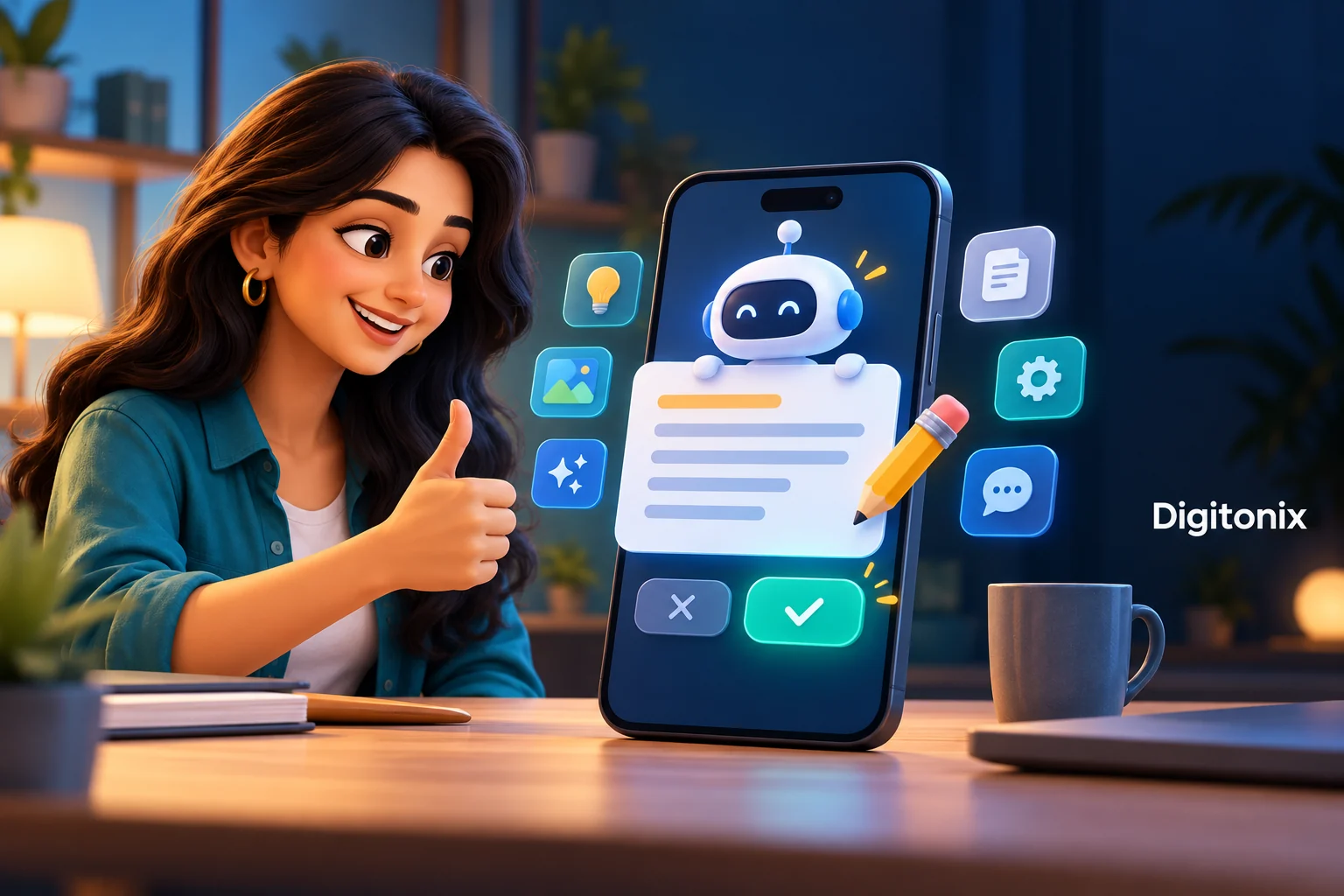
The employee writes a long note after the service call using the phone. The AI feature can help turn it into a short summary. Then the employee reviews and corrects it and finally saves it. This is an example of a small Gen AI capability with a specific goal. It assists in doing a specific task rather than trying to do all.
Generative AI is capable of creating text and other kinds of content based on a request. But, in the context of a mobile application, the created content must adapt to a small screen and daily work. Users might have a lack of time, poor internet connection, and an important task where mistakes matter.
This guide outlines how to plan for Gen AI features in mobile apps in simple terms. We will use the visit note as an example throughout. This is for planning purposes and does not make any claims about Digitonix's customers. The goal is to have one feature that is simple, realistic, responsible, and gives users control over the result.
Choose one feature with a clear job
Identify what the user requires to accomplish the task. In our case, the user requires a visit summary in readable format based on his/her notes. The feature should generate a draft and not the final version of the visit note.
One should not add AI to all screens since the technology is in demand. A certain form or a certain message could be more effective for some needs. One should compare the suggested feature with the existing task and change the approach if the feature complicates the process or makes it longer. Good mobile AI should satisfy an existing need and give a result that one can check.
Show the input and the draft
One should let the user know what notes the program will use. One should not send all the files and accounts records silently, if the current note is enough. One should show the task clearly, such as to prepare a draft summary from the note. One should let the user fix the source first.
Make sure to have the original note available alongside the draft where the screen allows for it. The user requires a useful tool for comparing facts. An answer that seems short can lack a key detail or include a false one. Create the review with that need in mind rather than thinking of the AI response as a final document.
Use words people understand
The person should not be required to master any jargon to use the tool. A button such as “draft summary” may be more understandable than a button name that includes various model names. Describe what will happen in a brief sentence. The application can reference AI if it assists in comprehending the output.
Do not hide important limits. Inform the user that the text is a draft and has to be checked before anything else. Do not conceal this point by hiding it behind an extended page of technical information. Use clear messages about waiting, failure, and saving. Wording consistency will help people know that text preparation, saving text, or some other business operation is done.
Let the person edit or reject the result
Provide clear paths of action that will be taken once the draft is made. The user must be free to either edit the draft, revert to the original record, or keep it as an incomplete draft. Make the review step clear. The worker knows what happened during the visit and needs a chance to correct the draft before approving it.
Explain what happens when the worker asks for a second draft. Keep useful edits and clarify what could be changed. A person who has already edited three pieces of information cannot lose the work because of an unclear retry option. Try out the process on a mobile device with actual notes. Editing and retrying should be consistent with the task.
Treat saving as a separate action
Creating a draft and storing a finalized visit report are two distinct processes. The application needs to make it clear to the user. Summary created does not guarantee that the report is saved to the system of the service. Employ a specific save process and check the results based on the application's actual data.
The same applies to the transmission of documents. One must understand where and what action they are taking. Always ensure that you understand the rules of access as well as the status of the record. You cannot leave the decision to an AI system to rebook your customer.
Make waiting understandable
The AI system can take some time to work, so let the person know when you initiate it and inform him/her of the next step. The blank screen will be taken by many people as the termination of the program. It is wrong to make any guarantee about the duration in which the work is done unless the design proves otherwise.
Decide what actions the user will be able to take during the wait period. She can re-read the initial note or move away from the page. In the case where the result will arrive at a different moment in time, the application should associate it with the useful task. Describe the actions that the user will take after closing or canceling the screen.
Plan for weak connections
The availability of some of the AI features depends on the connection to some remote service. In other cases, the design will be different. Specify which feature will be supported by your design. In our specific case, the worker will keep writing the note on the phone until she receives a response from the cloud service.
Offer a backup plan. The employee can type the visit note without using the AI-generated summary if such is the case of the agreed procedure. Save the allowed work and offer the possibility to retry when possible. Review the doubtful results before attempting to retry critical steps. Poor Internet connection should not lead to creating duplicate saved notes or make the worker wonder if the company got the note.
Keep private data within the right limits
The visit note may contain private data about the customer or the business. Decide what kind of information should be used by the AI feature and what shouldn’t. Review the provider, storage, logs, and the data policy of the application. Don’t send any private information or notes that aren’t necessary. The team should know the whole information flow, not just the text field on the phone.
Use account rights in the original note and the generated draft. A user who does not have access anymore should not see any restricted information via some other screen of the app or previous result. Check shared devices and stored content, if there is such a design element. The AI features should comply with the same business access rules as other app features, and not just hide a button.
Fit the feature to a small screen
Keep the primary action visible. Ensure readable texts, path from source, draft, and final result. A detailed response by AI will be difficult to understand on a mobile phone. Ensure best output size for the task and let there be more details if necessary.
Test keyboard actions, labels, focus, and errors. Keyboard input on-screen can block the key controls. The modified state of the interface must be clear to users with assistive technology too. Test the actual activity in the supported devices instead of relying on the preview screen only. A successful mobile app involves recovery and review, not merely a good starting screen.
Count usage and the whole cost
An AI feature may increase the cost through its requests, storage, and support. Multiple drafts and long notes will affect the budget. Define what the first version will offer and explain reasonable limits to the user. An unexpected limit that comes only when they complete a long note will make the features annoying and hard for support.
Consider the worth of the entire task. Consider review effort, correction, successful save, and useful work completed. It doesn’t mean that a high number of requests proves success. Employees can ask for many drafts because initial ones are not good enough. Compare the feature with the standard note procedure, based on the representative sample and users’ feedback.
Test a normal day and a difficult day
Use realistic notes and common distractions. Test cases of missing data, long notes, account permission change, failed request, and bad Internet connection. Make sure that the draft is attached to the right visit. The employee must understand what has been saved and what still needs to be done. Success of a demo on one phone doesn’t guarantee that the whole working day is covered.
Test improvements as well. The changes in a model, request or source may influence your draft version of the software. Include sample tasks and expected controls to check a new version before its widespread usage. Give an owner to provide support as well as make any future updates. The mobile feature with AI should still remain understandable after the launch once the original developer cannot be here to explain every result produced by his software.
How Digitonix can help
Digitonix mobile app development and AI solutions can become a good resource to discuss your small AI feature. Present a task, safe sample information, list of devices where it will operate, rules for handling data, and expected result. Demand clear controls in a draft, useful failure handling, and real-life test.
The application can have Flutter or React Native based on the previous app and the need of the project. Talk to Digitonix and tell them what needs to be done.
Frequently asked questions
Should every mobile app have Gen AI?
No. Firstly, think of the person’s task and the way how it can be done. A form, search or message to fill in may do well. Apply Gen AI only when the generation of a draft will help, but remember extra effort related to review and operation. Apply Gen AI only when there is a specific need for it and check if the whole task has been simplified due to it, not just because it is fashionable.
Can an AI draft be saved automatically?
The answer depends on the workflow that is supported by this application and its rules. Separate tracking is necessary for both the process of draft generation and for the final change of the business record. The person might need to check the facts before any information is saved or sent. Inform the user about the impact of each action and obtain the confirmation of the result.
Will the feature work without internet access?
Everything depends on the design of the service. In the case of the remote AI service, there needs to be a connection to allow the request flow; but, this is not always the case for other services. Describe your decision and try it out. Have a backup plan to do the job, make sure you have made some progress, and never claim that a remote task is done when you cannot check it.
How can we keep the mobile experience simple?
Name tasks, provide instructions, drafts, and options for editing or rejection. Make waiting and failure states clear. Test the task on phones, which the feature allows, including soft keyboards and assistive technologies. The user should be able to understand the source, draft, and saved versions of the task without knowing anything about the model.
What should we prepare for the first project discussion?
Carry with you one task, safe input, compatible devices, the current app information, account access rules, and data needs. Specify what a well-written draft would be and what a person is expected to check. Talk about the backup plan and the guidelines on accepting the initial draft. This will help create a simple mobile app feature from an AI idea.
Written by Digitonix Editorial Team
Specializing in app-development, our experts bring years of industry experience to help you navigate complex digital challenges.
View all postsOn This Page

Ready to Build Something Great?
Partner with Digitonix, the leading IT company in Jaipur, for world-class web development, mobile apps, and digital marketing solutions. Join 500+ businesses achieving measurable growth.