Edge Computing for Retail Stores: Keep Useful Work Close to the Shop
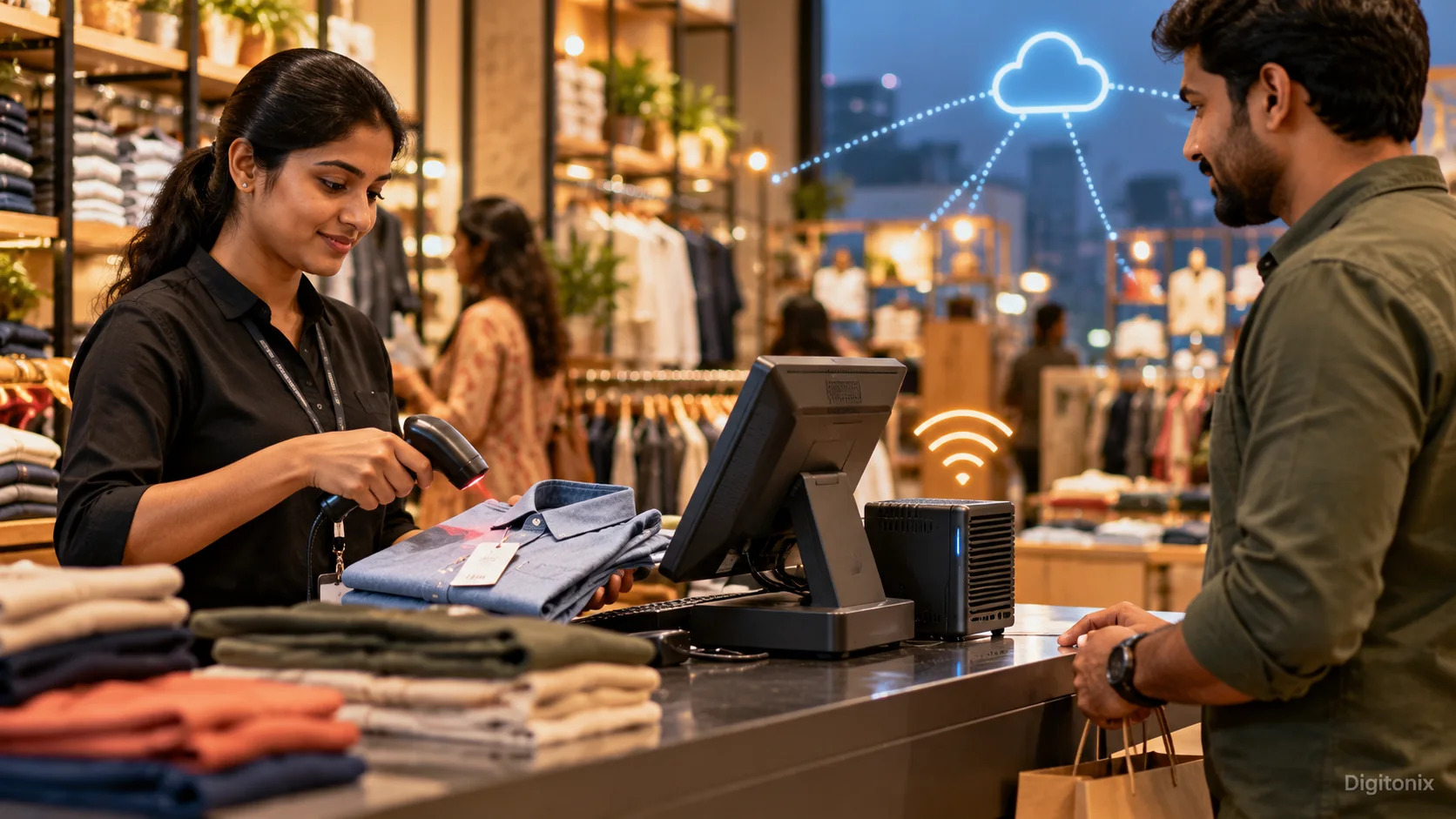
It is a Saturday afternoon at a busy clothes store. A customer comes to the cashier with two shirts. The internet connection is down. The two tags say ₹899 each, so the customer expects a quick bill. The counter screen keeps spinning while it tries to reach the company system outside the shop. A momentary network problem becomes a long queue. The owner of the store asks a sensible question: what work could the store still perform locally in case of poor connectivity?
Edge computing might be an answer to this question. Edge computing is processing some computer tasks locally in the proximity of creation or use of data. At a store, “the edge” can be a local computer in the back-office, a device next to a camera, or an integrated system in a checkout terminal. The cloud can still be used for reporting, updating, and coordination of the store activities.
This does not imply that all retailers should invest in new hardware. One store may require an offline mode to be implemented in the existing software. Begin with the user problem, and then determine which features should be present in the store and which should be postponed for the cloud-based solution. This guide uses checkout, inventory management, and store operations to illustrate how the decision should be made using plain language.
What does “at the edge” mean in a store?
A cashier points the scanner at the first shirt and hears a beep. The screen now needs to know which shirt that code means, what it costs today, and whether a discount applies. A cloud-only solution would make a request to a remote service and wait for the answer. A local solution could have a local trusted copy of the product list and pricing policies at the store. It would produce the answer immediately and submit the processed transaction to the main system once the connection becomes available.
Offline actions are also needed; for example, the payment made through a card will depend on the payment processing service and its network connection. The same goes for the balance of the loyalty program spread across multiple shops. The concept has to show the offline actions and online actions transparently. It's better for a cashier to get an honest information that the whole shop is not "always online."
The computers of the shop have to analyze data from the shelves, sensors, cameras and more. Rather than sending all the images to the cloud for processing, it may locally count the objects and report small updates. Such a method would save traffic and make the response faster, but at the same time, it requires responsibilities: maintaining, protecting the device and checking if it makes mistakes.
Choose one slow or fragile moment
Walk through a regular shift with the employees and ask them when the system makes them wait – Is it at opening time when price data loads? Is it at the register when the barcode is scanned? Is it at the storeroom when the delivery comes in? Write down exactly where the issue happens, how frequently and what is the cost of the waiting. A sales report can wait until closing time. A customer with two shirts will not want to wait that long.
Before buying hardware, write down what happens during an ordinary week. Time ten scans in the quiet hour and ten more when the link is poor. Note the wait the cashier actually sees. When the link fails, count the abandoned baskets and the minutes staff spend fixing them after it returns. The shift manager can keep these notes beside the register for a fortnight.
Select one pilot. For instance, let one branch keep its own copy of the product catalogue and approved prices. Check if employees can do scanning, viewing, and storing of a basket when there is a loss of communication with the wide area network. It does not pay to copy all the business rules to every outlet. A narrowly scoped pilot reveals the tricky bits when the cost is low.
How fresh are the branch prices?
The colour of a shirt rarely changes. A weekend offer may change at noon. The price and tax shown at checkout need special care. Ask who approves each change and how the branch learns about it. Put a deadline on the important updates. The description of a new shirt may take time to update. Price changes committed to customers need immediate update.
Assign a version and timestamp to each local entry. The cashier should see “Prices updated 10:15.” If it is now 10:20, the list may be fine; if it is the next day, staff need a clear rule. A device with the wrong time must not quietly mark old prices as current. It is critical especially in case the manager updates the promotion at the headquarters during the busy weekend.
Determine how to handle situations where two locations update the same record simultaneously. The branch could register a purchase when the headquarters updates the product price. Once the connection comes back, the application should have an algorithm regarding which price applies to the completed purchase and which one applies to the next customer. The algorithm should be developed together with the business team, not invented by the synchronization application once a conflict arises.
Design the offline journey from start to finish
An "offline" button will not suffice. Try the entire process. Let a cashier do the whole test sale: sign in, scan the shirts, use a valid offer, choose a permitted payment method, save the receipt, and close the till. In the morning, the transaction must show up once in the main system. A good solution will cover all the steps and inform the employees about steps that can't be performed safely.
Set up a queue of the pending changes to synchronize. Every transaction must have a unique identifier so that a re-sending would not create another order. Inform the employees about whether the transaction is stored locally, sent or requires attention. In case the connection is established and lost again, the synchronization process must start from where it was left off. Try it on the shop scanner and receipt printer while the network cable is unplugged.
Give the manager a screen labelled “Sales needing attention.” For each sale on that screen, show the cashier, the time, what was saved locally, and what failed to reach head office. A cashier must be able to tell the customer whether payment happened. Guessing here risks a second charge. Keep the steps so a manager can explain the sale later without checking three separate notebooks.
Use local stock information carefully
Stock management is yet another frequent retail issue. The shelf label indicates one size is available, but the customer cannot locate it. A local system can merge information from receiving, sales, and returns to provide a quick branch-level stock view. It can be useful for staff answering questions while the customer is still in the store. It is not a guarantee that all items are on the shelf.
Distinguish between “available in stock” and “on shelf.” The shirt may be in a fitting room or awaiting storage. In case the inventory says it is available for sure, a minor mistake can become a negative experience for the customer. If a worker finds only two shirts instead of three, let them correct the count and record why.
Try this first with the sizes customers ask for most often. Track how frequently it is found by the staff, how much time it takes and what number of online sales requires refunds because of the wrong information about branch stock. Local stock view works well if the people involved in receiving and selling update it.
Know when local processing is useful
Local processing is also very useful where decisions need to be made quickly or where a site has an unstable connection. A food store will require a temperature alarm from a refrigerator before the goods get spoiled. A warehouse gate will have to identify a delivery in real time. The checkout will require product information while the cloud-based service is overloaded. In each of these cases, the local device takes care of the urgent action and passes on the data for further processing.
Cloud services are still very useful in operations that involve several stores. Head office still needs the bigger picture: sales in Jaipur and Delhi together, next month’s stock order, and a new catalogue for every branch. The little computer behind the counter does not have to run that company-wide work. Put the urgent checkout answer nearby. Send the wider planning job to the central team. Everything local is as complex to manage as everything remote.
AWS guidance for edge computing in retail says that information is processed at the store level and then synchronized with the cloud once there is internet connectivity available. This is just one of the architectures and not something that forces you to purchase some specific product. The first step could be changing software on hardware that the retailer already has.
Look after the computer behind the counter
A back-office computer can be stolen or damaged by a power fault. It may also miss updates if nobody owns it. Treat it as carefully as the till. Give named staff access, protect the saved sales, and schedule the updates that close security gaps. For each branch, note the device name, where it sits, and who calls support when it fails. If the box breaks, a replacement should be set up from a safe backup. Staff should not have to copy customer records onto a USB stick.
For a shelf count, store the number of shirts rather than hours of camera footage. A shelf-counting function may transfer item counts instead of video clips to the headquarters. A checkout function may require order information but should not collect any additional payment information beyond what is allowed by the provider. Invite the experts on privacy and payments to look at the design where customer or card information is collected.
Test for failure scenarios. During a test shift, pull the network plug, restart the local box, scan one shirt twice, and reconnect while sales are being sent. Afterward, compare the till total with the head-office total line by line. The cashier should see “Saved in this store” or “Sent to head office,” not a vague red error. If the team can finish the shift and reconcile the sales, the test has taught something useful.
Measure a pilot before adding more branches
Pick the branch where outages happen often enough to learn, then put a review day on the calendar. Bring the two-week notebook back. Are customers waiting less? Are fewer baskets lost? Did staff spend more time correcting stock? Ask cashiers what they say to a customer when the link goes down now. Ask the manager whether the new queue takes ten minutes to check or an hour to repair. The faster screen that leads to two hours of daily cleanup is not a win.
Make the cost transparent. Local hardware, replacements, updates, monitoring, and branch visits all come at a price. A single retailer with stable broadband may be able to extract more value from its current application. A chain with many branches and unstable connections may have a better case for local processing. Allow the pilot to show where you stand.
Before adding branch two, write a short guide for setting up the box and handling a failed sync. The next branch may use another scanner or lose power more often. Try a real sale at that branch before calling the rollout finished. Your goal is to have a successful day at your shop, not to have a lot of devices.
How Digitonix can help
Digitonix will help map the store journey, identify the stage that experiences delays, and develop a small offline/local processing pilot. This includes creating a nice cashier screen, local queue for modifications, synchronization, monitoring, and testing with actual store hardware. The store manager can help decide which figures the branch needs immediately and which can arrive in tomorrow’s report.
Relevant Digitonix services include software development, cloud and DevOps, cyber security, and performance optimization. Depending on the existing system, a store interface may use React.js, a sync service may use Node.js, and central hosting may use AWS. The best pilot is one cashiers can use on a crowded Saturday without a technician standing beside them.
Questions store owners ask
Does “edge” mean the shop can work offline?
No, not necessarily. Edge computing means processing part of the data near the store. Offline mode is one of the potential advantages of such an approach. Another possible advantage of local processing is the ability to operate when the internet connection is available, but the response from the remote server is too slow.
Can the card terminal work during an outage?
No. A card terminal may need its provider’s network before it can approve a charge. Check the provider’s rules, then show cashiers a clear message when the terminal cannot take a payment.
Must every branch buy a server?
No. An existing terminal, gateway, or even small device could be used for the local function. Some stores just require improved offline operation in an existing application. Test the existing terminal first. Buy another box only if the pilot shows a need.
What happens to saved sales when the link returns?
After the link returns, send the saved sales once. Put any uncertain sale in a review list for a manager. A second outage during syncing should not double the shirts sold.
Which retail task should we try first?
A retail function that is frequently performed by staff and that has a connection problem is ideal. For example, checkout catalog lookups or branch stock status can be considered a good pilot if the business can measure improvement.
Written by admin
Specializing in technology, our experts bring years of industry experience to help you navigate complex digital challenges.
View all postsOn This Page

Ready to Build Something Great?
Partner with Digitonix, the leading IT company in Jaipur, for world-class web development, mobile apps, and digital marketing solutions. Join 500+ businesses achieving measurable growth.